Staff, Salesperson & Cashier
Manage staff, salespersons, and cashiers with cloud-based POS software. Control roles, permissions, commissions, locations, salaries, and expenses in one system.

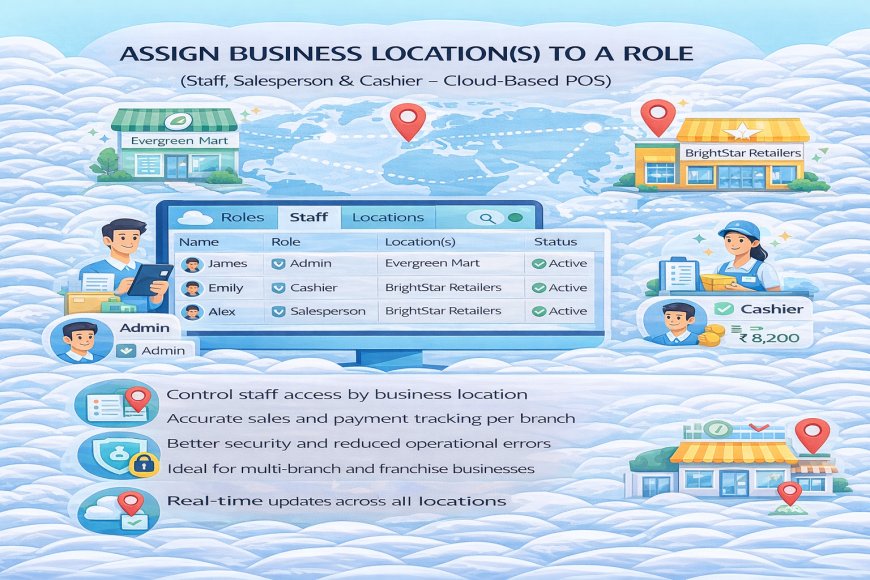
5. Assign Business Location(s) to a Role
The Assign Business Location(s) to a Role feature in a cloud-based POS system allows businesses to control where staff can operate and what data they can access across multiple branches or outlets.
With this feature, you can assign specific business locations to staff roles such as Admin, Salesperson, or Cashier. For example, a cashier can be restricted to only one store, while a manager or admin can access multiple locations. This ensures accurate sales tracking and prevents staff from viewing or operating outside their assigned branches.
Sales, payments, and reports are automatically recorded under the correct location based on the staff role and assignment. This improves accountability and makes branch-level reporting clear and reliable.
Because the system is cloud-based, any changes to location assignments take effect instantly across all devices.
What's Your Reaction?
 Like
0
Like
0
 Dislike
0
Dislike
0
 Love
0
Love
0
 Funny
0
Funny
0
 Angry
0
Angry
0
 Sad
0
Sad
0
 Wow
0
Wow
0