Product Management
Get a Powerful product management for modern businesses. Track stock, expiry dates, serial numbers, pricing, and taxes with a cloud-based POS.

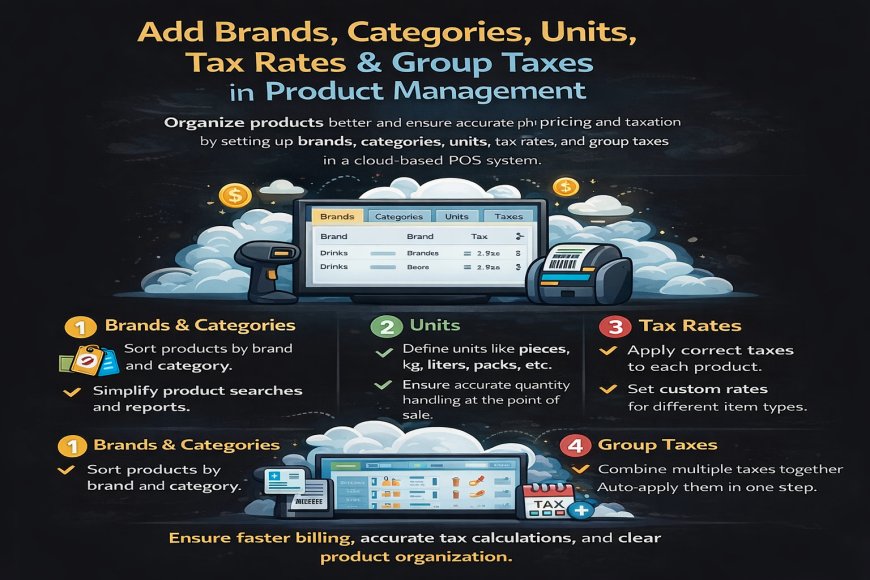
3. Add Brands, Categories, Units, Tax Rates & Group Taxes
Adding brands, categories, units, tax rates, and group taxes is a key part of product management in a cloud-based POS system. These settings help businesses organize products properly and ensure accurate pricing and taxation during sales.
Brands and categories make it easy to group products logically, helping staff find items quickly and making reports clearer and more meaningful. Units define how products are sold or measured, such as pieces, kilograms, liters, or packs, ensuring correct quantity handling at the point of sale.
Tax rates allow businesses to apply the correct tax to each product based on local regulations. Group taxes make it possible to combine multiple taxes and apply them automatically in a single step, reducing manual work and calculation errors.
By setting up brands, categories, units, tax rates, and group taxes correctly, a cloud-based POS system ensures organized product data, faster billing, accurate tax calculations, and clear reporting across all business locations.
What's Your Reaction?
 Like
1
Like
1
 Dislike
0
Dislike
0
 Love
0
Love
0
 Funny
0
Funny
0
 Angry
0
Angry
0
 Sad
0
Sad
0
 Wow
0
Wow
0