Reports
Use cloud POS reports to monitor sales trends, stock levels, expenses, taxes, cash registers, and staff performance from anywhere, anytime.

1. Reports
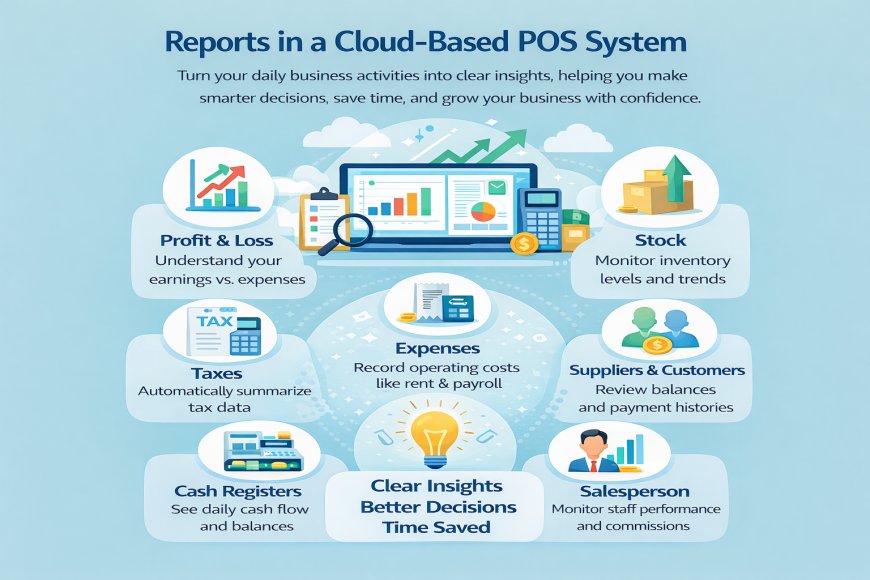
Reports in a cloud-based POS help you clearly understand how your business is performing, without manual calculations or paperwork. Every sale, purchase, and expense is recorded automatically and turned into easy-to-read reports that you can access anytime, from anywhere.
With built-in filters and visual charts, you can quickly view reports by date, product, staff, or business location. This makes it simple to track trends and make informed decisions, even from your mobile phone.
A Profit & Loss report shows how much money your business is making after expenses, so you always know where you stand. Purchase and sales reports help you see what you are buying, what you are selling, and how well products are performing. Stock reports keep you informed about available inventory, low stock items, and fast-moving products, helping you avoid losses.
The system also provides tax reports that automatically calculate taxes on sales, reducing errors and making compliance easier. Expense reports track daily business costs, helping you control spending and improve profitability.
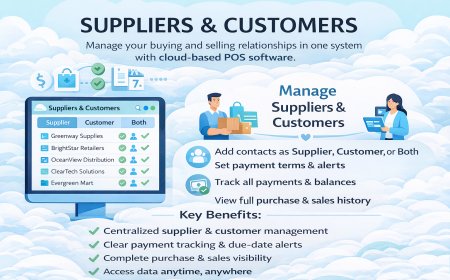
With customer and supplier reports, you can view purchase history, outstanding balances, and payment behavior. This helps you manage relationships better and improve cash flow. Cash register reports give a clear picture of daily cash movement, including opening and closing balances, reducing cash handling issues.
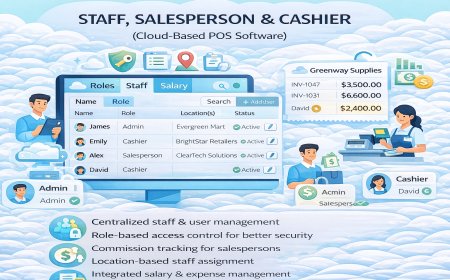
Finally, salesperson reports allow you to monitor staff performance, track sales contributions, and manage commissions accurately.
What's Your Reaction?
 Like
0
Like
0
 Dislike
0
Dislike
0
 Love
0
Love
0
 Funny
0
Funny
0
 Angry
0
Angry
0
 Sad
0
Sad
0
 Wow
0
Wow
0