Reports
Use cloud POS reports to monitor sales trends, stock levels, expenses, taxes, cash registers, and staff performance from anywhere, anytime.

4. Purchase & Sell Reports
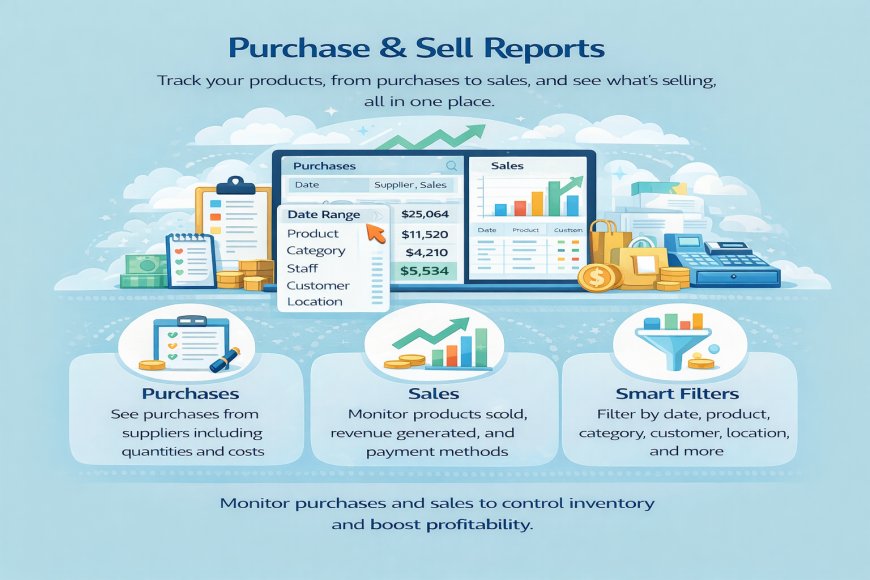
Purchase & Sell Reports in a cloud-based POS give you a clear view of what your business is buying and what it is selling, all in one place. These reports help you track daily transactions accurately and understand how your products are performing.
The Purchase Report shows details of items bought from suppliers, including quantities, costs, payment status, and purchase dates. This helps you control costs, manage supplier balances, and ensure accurate stock updates.
The Sell Report records all sales transactions, showing products sold, sales value, discounts, taxes, and payment methods. You can easily see which products sell fast, which are slow-moving, and how much revenue each product generates.
With built-in filters, you can view reports by date, product, category, customer, staff, or business location. Because the system is cloud-based, reports update in real time and can be accessed from any device.
What's Your Reaction?
 Like
0
Like
0
 Dislike
0
Dislike
0
 Love
0
Love
0
 Funny
0
Funny
0
 Angry
0
Angry
0
 Sad
0
Sad
0
 Wow
0
Wow
0