Reports
Use cloud POS reports to monitor sales trends, stock levels, expenses, taxes, cash registers, and staff performance from anywhere, anytime.

5 / 11
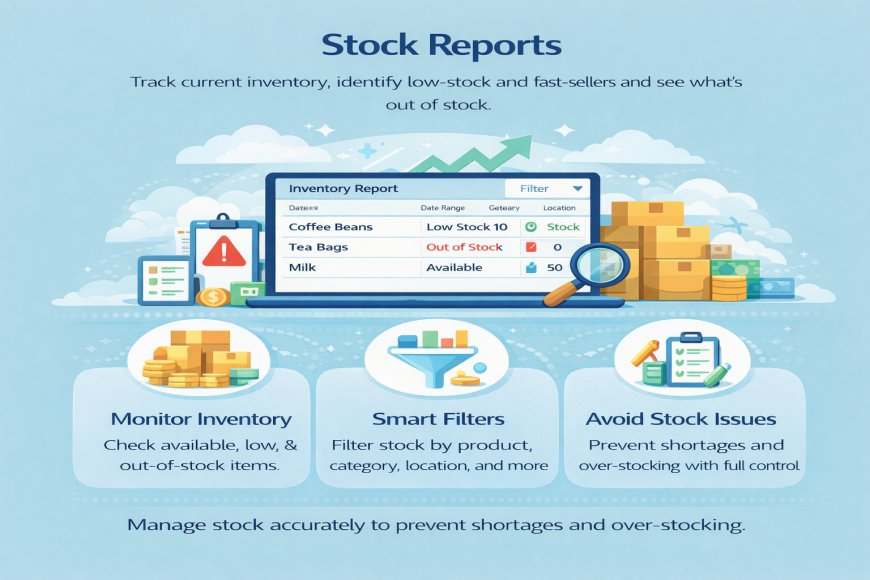
5. Stock Reports
Stock Reports in a cloud-based POS help you clearly see what products you have in stock and how they are moving. The system automatically updates stock levels every time you make a sale or record a purchase, so your inventory is always accurate.
These reports show available quantity, low-stock items, out-of-stock products, and fast-moving or slow-moving items. This helps you know when to restock, which products to reorder, and which ones are not selling well.
With filters, you can view stock by product, category, brand, location, or date. This is especially useful for businesses with multiple branches or warehouses. Because the POS is cloud-based, stock reports update in real time and can be accessed from any device.
What's Your Reaction?
 Like
0
Like
0
 Dislike
0
Dislike
0
 Love
0
Love
0
 Funny
0
Funny
0
 Angry
0
Angry
0
 Sad
0
Sad
0
 Wow
0
Wow
0