Suppliers & Customer
Manage suppliers and customers easily with cloud-based POS software. Track payments, set alerts, view purchase and sales history, and access data anytime.

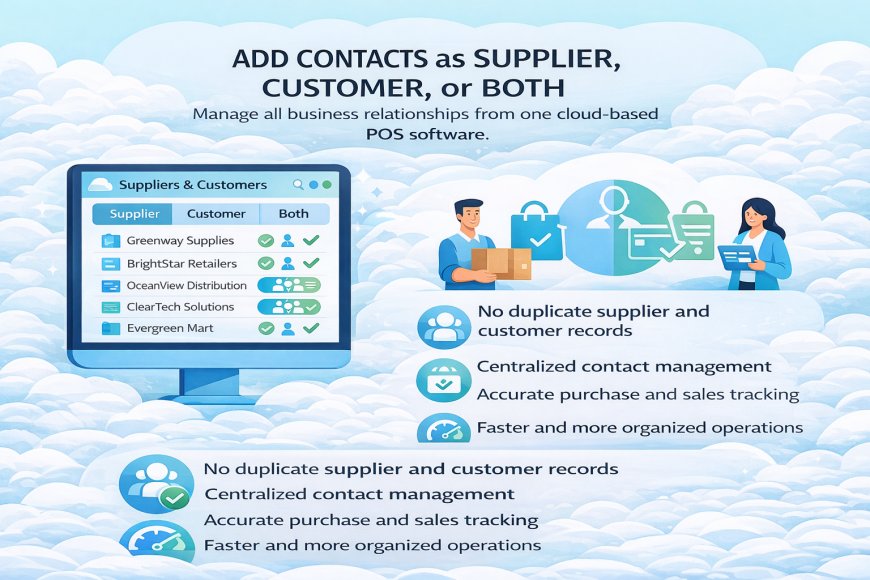
2. Add Contacts as Supplier, Customer, or Both
The Add Contacts as Supplier, Customer, or Both feature in a cloud-based POS system allows you to manage all business relationships from one place without duplication.
You can register a contact strictly as a Supplier (for vendors you purchase from), a Customer (for people or businesses you sell to), or Both (when the same contact buys from you and also supplies goods or services). This keeps records clean and avoids managing multiple profiles for the same contact.
Each contact profile stores essential details such as contact information, payment terms, opening balances, and transaction history. When a contact is marked as Both, the system automatically tracks their purchases and sales separately but under one profile.
This setup improves accuracy, simplifies reporting, and makes it easier to track outstanding balances, payments, and transaction history in real time.
What's Your Reaction?
 Like
0
Like
0
 Dislike
0
Dislike
0
 Love
0
Love
0
 Funny
0
Funny
0
 Angry
0
Angry
0
 Sad
0
Sad
0
 Wow
0
Wow
0